User Management
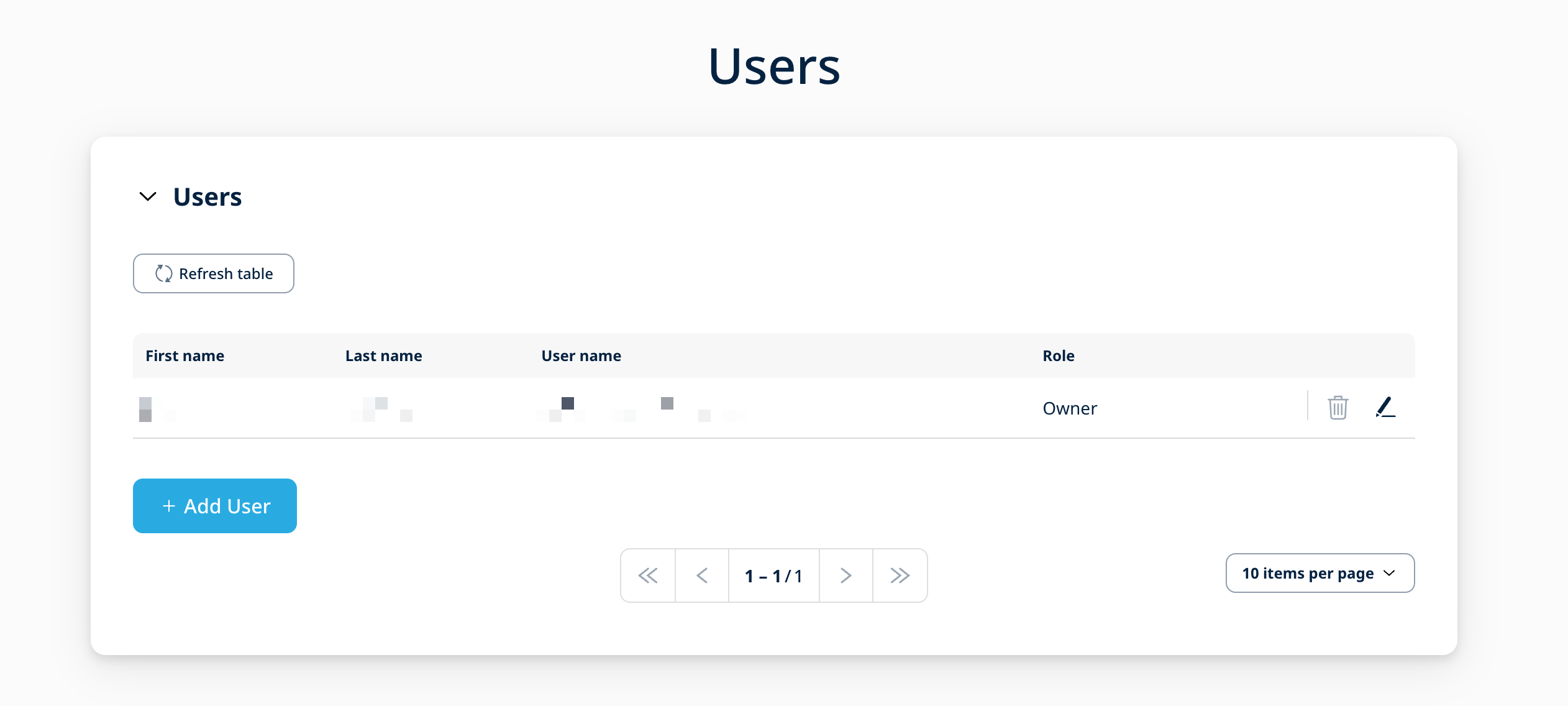
The Bell Customer Portal offers the option to create multiple user accounts which allows for different user roles and access rights. In the "User" tab a root owner of the account can create and edit new user accounts. A general overview of all current users of the Bell organization is provided in a list view.
User Roles
The following roles for additional user accounts are available:
| Role | Description |
|---|---|
| Owner | Initial user of the organization that cannot be changed. Includes all functionalities and access to the entire organization. New users can have the Owner role assigned as well. The owner also has access to the Management API. Can administer users with Admin, User, API User, Read Only. To administer Owner, please submit a service request. |
| Adminstrator | Includes all functionalities and access to the entire organization. Can administer users with User, API User, Read Only, and 3rd party access role. This user role has no access the Management API. |
| User | Can manage SIM Cards in the Portal, but has no access to orders and top-ups, and cannot trigger new orders or manage users. This user role has no access to the Mangement API. |
| Read Only | User role designed to allow Read-only access to the Portal. This user role has no access to the Mangement API. |
User Roles Details
See the following table for an exact overview of the roles and the permissions for each component of the Bell Portal.
| Portal Areas | Owner | Admin | User | Read Only | 3rd Party Access | API User | |
|---|---|---|---|---|---|---|---|
| Dashboard | See All | ✅ | ✅ | ✅ | ✅ | ✅ | ❌ |
| Reorder Button | ✅ | ✅ | ❌ | ❌ | ❌ | ||
| Latest Order Widget | ✅ | ✅ | ✅ | ✅ | ❌ | ||
| My SIMs | See All | ✅ | ✅ | ✅ | ✅ | ✅ | |
| SIM State | ✅ | ✅ | ✅ | ❌ | ❌ | ||
| IMEI Lock | ✅ | ✅ | ✅ | ❌ | ❌ | ||
| Auto-Top-Up | ✅ | ✅ | ❌ | ❌ | ❌ | ||
| Reset Connectivity | ✅ | ✅ | ✅ | ❌ | ✅ | ||
| SIM List Export | ✅ | ✅ | ✅ | ❌ | ✅ | ||
| Reorder / Top-Up | ✅ | ✅ | ❌ | ❌ | ❌ | ||
| Send SMS | ✅ | ✅ | ✅ | ❌ | ✅ | ||
| Configuration | Network Settings | ✅ | ✅ | ✅ | ❌ | ✅ | |
| Breakout Settings | ✅ | ✅ | ❌ | ❌ | ✅ | ||
| Monthly Limit | ✅ | ✅ | ✅ | ❌ | ✅ | ||
| IMEI Lock | ✅ | ✅ | ✅ | ❌ | ❌ | ||
| Auto-Top-Up | ✅ | ✅ | ❌ | ❌ | ❌ | ||
| Data Streams | ✅ | ✅ | ❌ | ❌ | ✅ | ||
| SMS Forwarder | ✅ | ✅ | ✅ | ❌ | ✅ | ||
| OpenVPN | ✅ | ✅ | ✅ | ❌ | ✅ | ||
| Management API | ✅ | ✅ | ✅ | ❌ | ✅ | ||
| Bell IoT Platform | Tab Available | ✅ | ✅ | ✅ | ✅ | ✅ | |
| Account | See All | ✅ | ✅ | ✅ | ✅ | ✅ | |
| Customer Data | ✅ | ✅ | ❌ | ❌ | ❌ | ||
| User Data | ✅ | ✅ | ✅ | ✅ | ✅ | ||
| Add New E-Mail | ✅ | ✅ | ❌ | ❌ | ❌ | ||
| Billing and Shipping Address | ✅ | ✅ | ❌ | ❌ | ❌ | ||
| Payment Details | ✅ | ✅ | ❌ | ❌ | ❌ | ||
| Orders | See All | ✅ | ✅ | ✅ | ✅ | ❌ | |
| Download Invoices | ✅ | ✅ | ✅ | ✅ | ❌ | ||
| Trigger New Order | ✅ | ✅ | ❌ | ❌ | ❌ | ||
| Download Affected SIMs | ✅ | ✅ | ✅ | ✅ | ❌ | ||
| Users | See All | ✅ | ✅ | ✅ | ✅ | ✅ | |
| Administer Own User | ✅ | ✅ | ✅ | ✅ | ✅ | ||
| Administer Owner | ❌ | ❌ | ❌ | ❌ | ❌ | ||
| Administer Admin | ✅ | ❌ | ❌ | ❌ | ❌ | ||
| Administer User | ✅ | ✅ | ❌ | ❌ | ❌ | ||
| Administer API User | ✅ | ✅ | ❌ | ❌ | ❌ | ||
| Administer Read Only | ✅ | ✅ | ❌ | ❌ | ❌ | ||
| Administer 3rd party access | ✅ | ✅ | ❌ | ❌ | ❌ | ||
| Organisation | See All | ✅ | ✅ | ✅ | ✅ | ✅ | |
| Add Organisation | ✅ | ✅ | ❌ | ❌ | ❌ | ||
| SIM Transfer | ✅ | ✅ | ❌ | ❌ | ❌ | ||
| Performance | See All | ✅ | ✅ | ✅ | ✅ | ✅ | |
| Support | See All | ✅ | ✅ | ✅ | ✅ | ❌ | |
| New Service Request | ✅ | ✅ | ✅ | ❌ | ❌ | ||
| API Access | ✅ | ❌ | ❌ | ❌ | ❌ | ✅ | |
User Creation
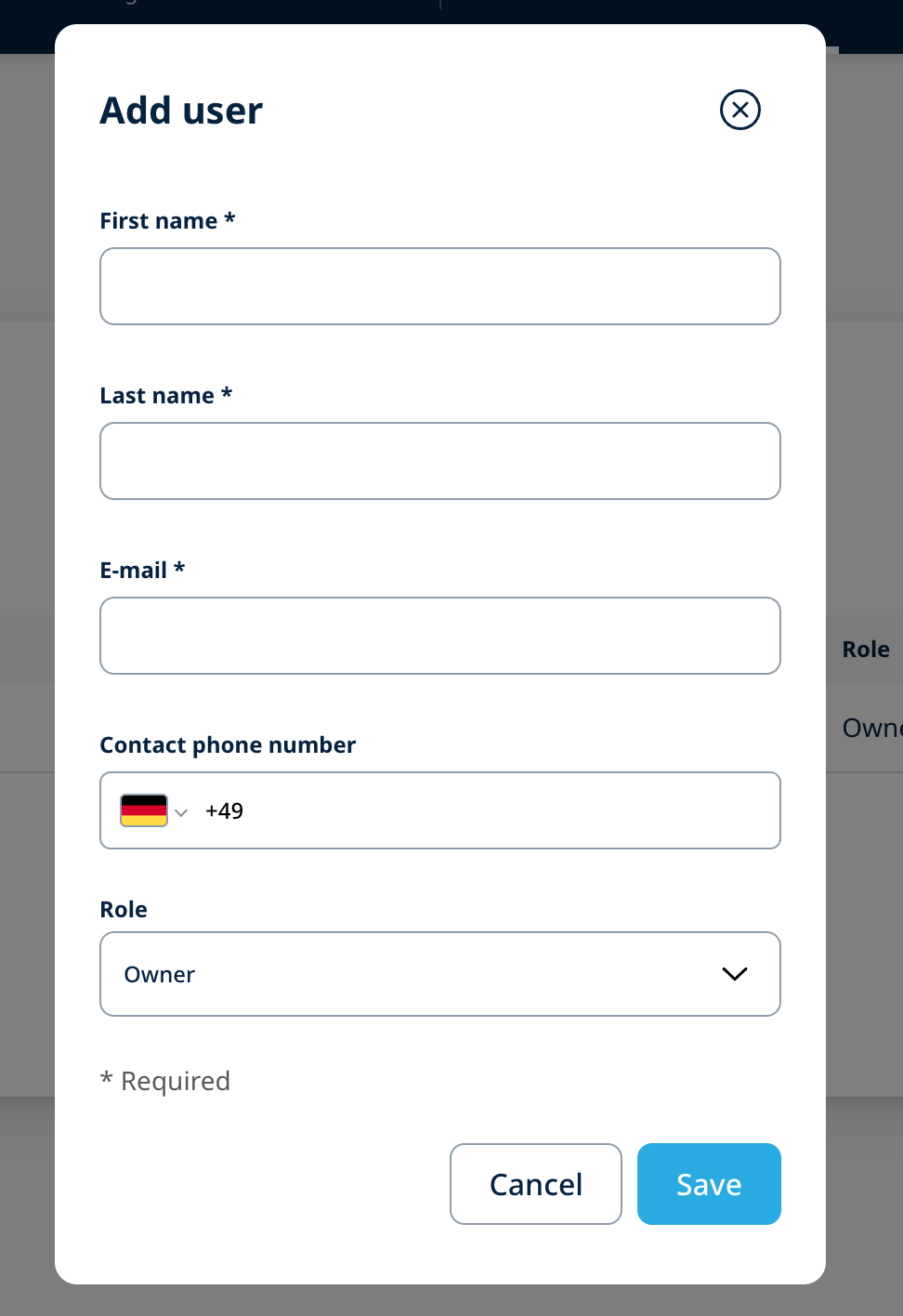
A new user can be created using the "New User" button on the top right. The mandatory details depend on the type of the user that needs to be created. The e-mail address is used for the confirmation of the account as well as the login name for the Bell services. Customers have to make sure that the entered e-mail address is valid and can receive messages. After creating a new user an e-mail is sent to the new mail address requesting to set an initial new password for the Bell Customer Portal.
User Account Alteration
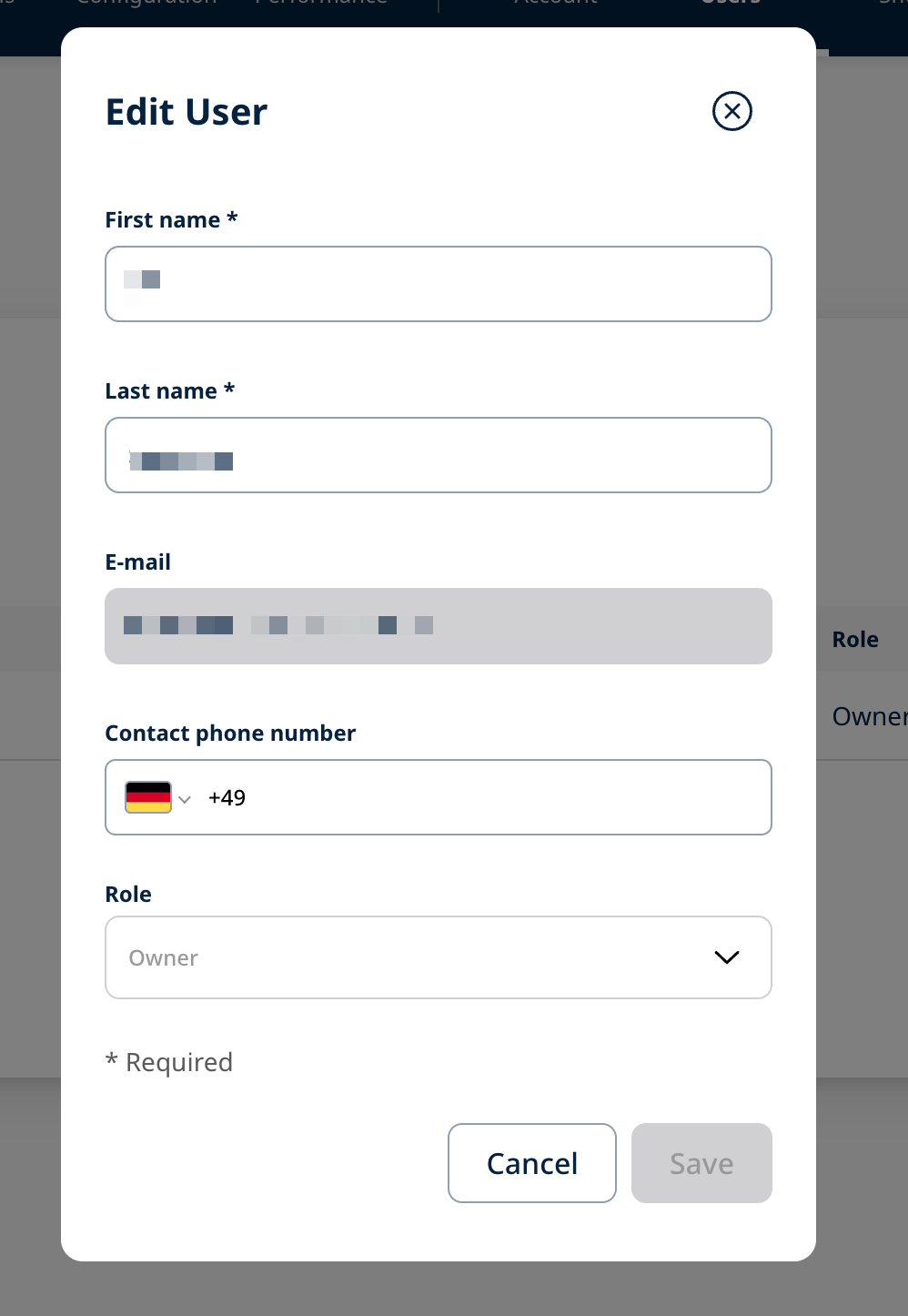
By clicking on a user shown in the list of current users, the details of this account can be changed or deleted. Changes can be applied by editing the boxes in the form and saving the new data. A user can be deleted by clicking on the "Delete" button in the Edit User popup.